Last-Mile Delivery Route Optimization Software With ERP Integration
Route optimization software is only as good as the order data feeding it. Businesses that manually re-enter delivery addresses and order details from their ERP into a separate route planner lose the real value of optimization — errors creep in, and planning happens on a delay rather than in near-real time as orders arrive. Here's how to connect route optimization directly to your ERP or order system.
Key takeaways
- Data quality is everything: Manual re-entry introduces address errors and planning delay.
- Prefer maintained connectors: Confirm a connector exists for your specific ERP, not just "API available".
- Match freshness to promises: Same-day delivery needs near-real-time sync; scheduled delivery tolerates batch.
- Plan two-way sync: Decide if proof-of-delivery must flow back into the ERP, not just orders out.
Why Manual Order Entry Undermines Route Optimization
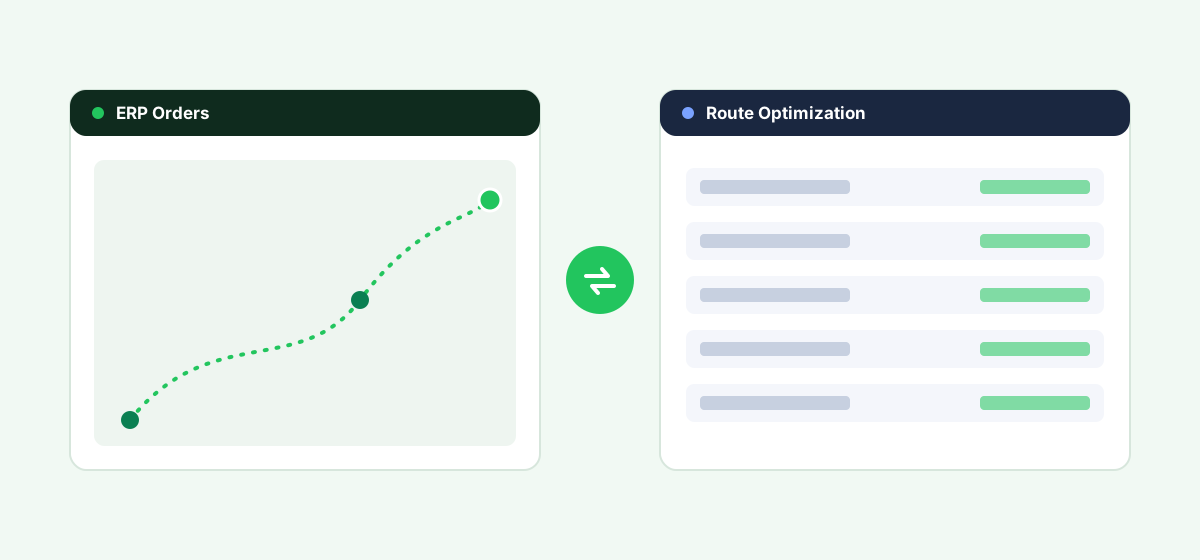
Route optimization algorithms work best with complete, accurate, timely data — delivery addresses, time-window commitments, package size/weight, and priority level. When that data is manually re-typed from an ERP or order system into a separate route planning tool, two things go wrong: data-entry errors (wrong addresses, missed time windows) that undermine route accuracy, and delay between when an order is placed and when it's reflected in planning — which matters for same-day or next-day commitments.
Integration Approaches
1. A Route Optimization Platform With a Built ERP Connector
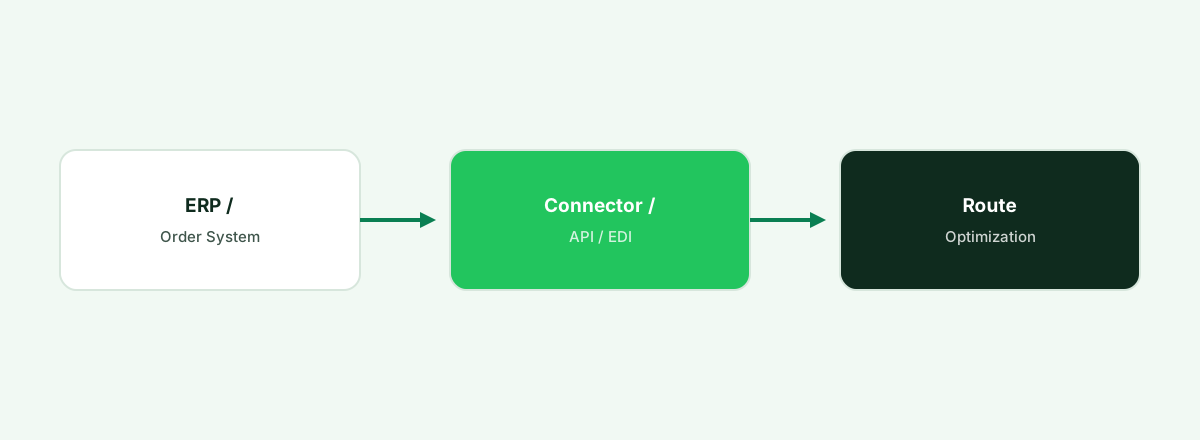
Some route optimization vendors have built direct integrations for common ERP and order management systems (NetSuite, SAP, Microsoft Dynamics, industry-specific distribution ERPs), automatically pulling new orders into route planning as they're created. Check directly with the vendor for current, maintained connectors to your specific ERP.
2. API Integration
Where no packaged connector exists, most modern ERPs expose an API that a route optimization platform or a developer can use to pull order data automatically — more flexible than a fixed connector, but it requires development resources.
3. EDI Integration
For businesses in distribution and wholesale where EDI is already the standard for exchanging order data with trading partners, some route optimization platforms support EDI-based order intake as an alternative to a direct API connection.
4. Scheduled Batch Import
Lower-complexity operations sometimes use scheduled CSV export/import between the ERP and the route optimization tool rather than a live integration — workable for businesses without same-day delivery pressure.
| Option | Data freshness | Best for |
|---|---|---|
| Built ERP connector | Near real-time | Businesses using an ERP with existing vendor support |
| API integration | Near real-time | Custom data flows without a packaged connector |
| EDI integration | Batch or near real-time | Distribution/wholesale businesses already using EDI |
| Scheduled batch import | Delayed (hourly/daily) | Lower delivery-time-pressure operations |
Feeding orders into route planning by hand?
Fleet connects your ERP or order system to route optimization so orders route themselves, accurately.
Start a Free TrialWhat to Check Before Choosing a Route Optimization Platform
- Confirm a maintained connector exists for your specific ERP, not just a general claim of "ERP integration available."
- Data freshness requirements. Same-day delivery windows make near-real-time integration matter far more than next-week scheduled deliveries.
- What order fields sync — address and time window at minimum; package size/weight and priority level matter for more sophisticated optimization.
- Two-way sync needs. Decide whether delivery status and proof-of-delivery also need to flow back into the ERP, not just orders out to the route planner.
Frequently asked questions
Does route optimization software need to connect to my ERP?
It's not strictly required, but manual data entry between systems introduces errors and delays that undermine the accuracy and timeliness benefits route optimization is meant to provide — integration is worth prioritizing for any business with meaningful delivery volume.
What ERPs commonly have route optimization software integrations?
This varies by route optimization vendor — check directly for current, maintained connectors to your specific ERP (NetSuite, SAP, Dynamics, or industry-specific systems) rather than assuming general compatibility.
Is EDI or API integration better for connecting route optimization software to an ERP?
It depends on your existing infrastructure — businesses already using EDI with trading partners often extend that to route optimization order intake, while businesses without existing EDI typically use API-based integration instead.
How much delay is acceptable between an order being placed and it appearing in route optimization?
It depends entirely on your delivery commitments — same-day operations need near-real-time integration, while next-day or scheduled delivery businesses can often tolerate batch imports on an hourly or daily basis.
Bottom Line
Route optimization software delivers its real value when order data flows in automatically and accurately — treat ERP integration as a core requirement when evaluating route optimization platforms, not an optional add-on.
See Fleet's ERP-connected routing
Book a demo and see orders flow from your ERP into optimized routes automatically.
Start a Free TrialRelated last-mile delivery resources
Shopify & WooCommerce integration
Connect e-commerce orders to delivery routing.
Last-mile software for small 3PLs
Multi-client delivery management, right-sized.
Fleet software for NetSuite
Connect fleet and delivery data to NetSuite.
TMS software compared
How last-mile and TMS platforms stack up.